
 Julian Steenbakker
ce746a27b3
Julian Steenbakker
ce746a27b3
|
5年前 | |
|---|---|---|
| .github | 5年前 | |
| .resources | 6年前 | |
| android | 5年前 | |
| example | 5年前 | |
| ios | 5年前 | |
| lib | 5年前 | |
| .gitignore | 5年前 | |
| CHANGELOG.md | 5年前 | |
| LICENSE | 7年前 | |
| README.md | 5年前 | |
| analysis_options.yaml | 5年前 | |
| pubspec.yaml | 5年前 | |
README.md
QR Code Scanner

A QR code scanner that works on both iOS and Android by natively embedding the platform view within Flutter. The integration with Flutter is seamless, much better than jumping into a native Activity or a ViewController to perform the scan.
Warning
If you are using Flutter Beta or Dev channel (1.25 or 1.26) you can get the following error:
java.lang.AbstractMethodError: abstract method "void io.flutter.plugin.platform.PlatformView.onFlutterViewAttached(android.view.View)"
This is a bug in Flutter which is being tracked here: https://github.com/flutter/flutter/issues/72185
There is a workaround by adding android.enableDexingArtifactTransform=false to your gradle.properties file.
Screenshots
| Android | |
|---|---|
|
|
|
| iOS | |
|
|
|

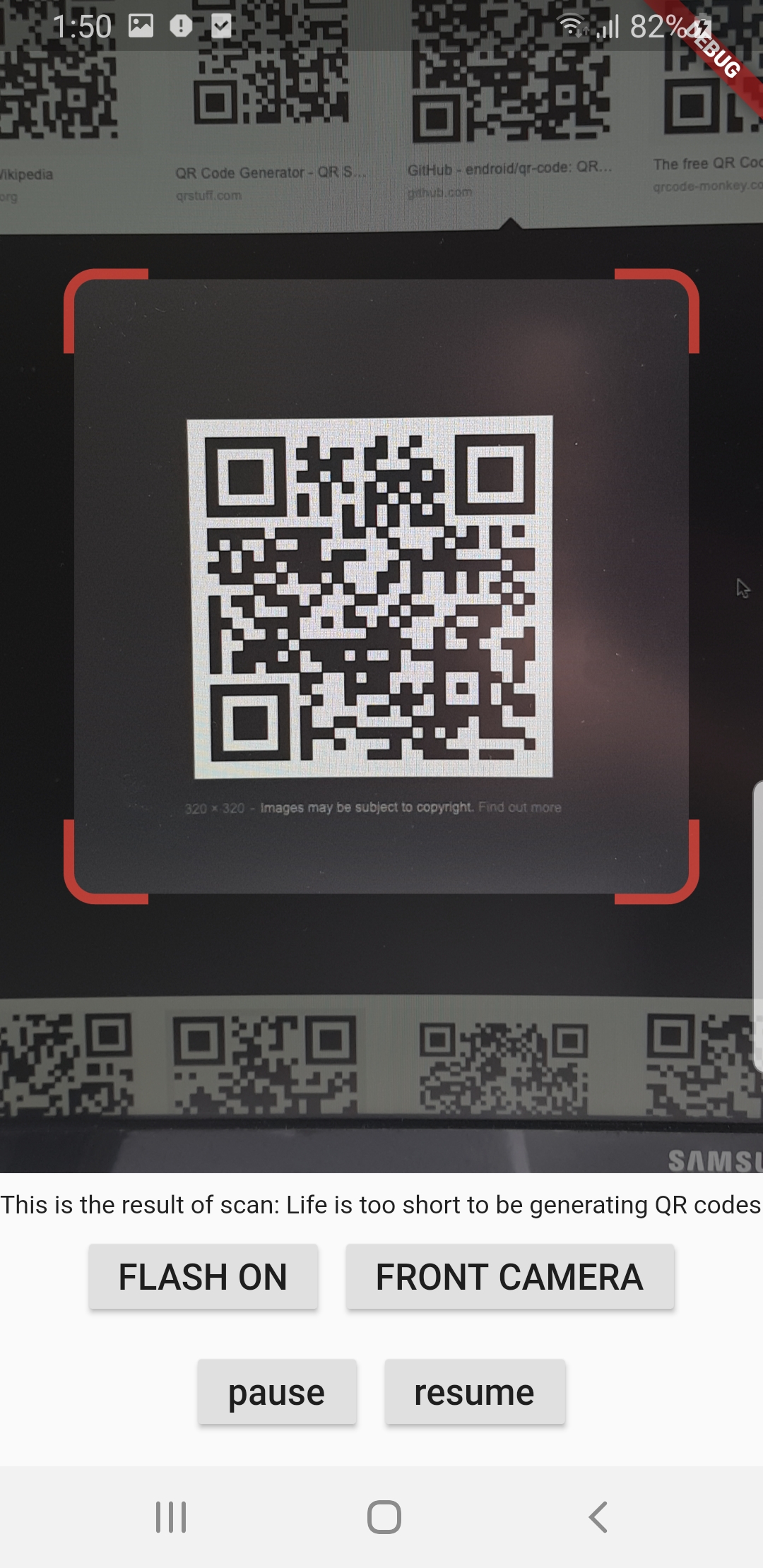
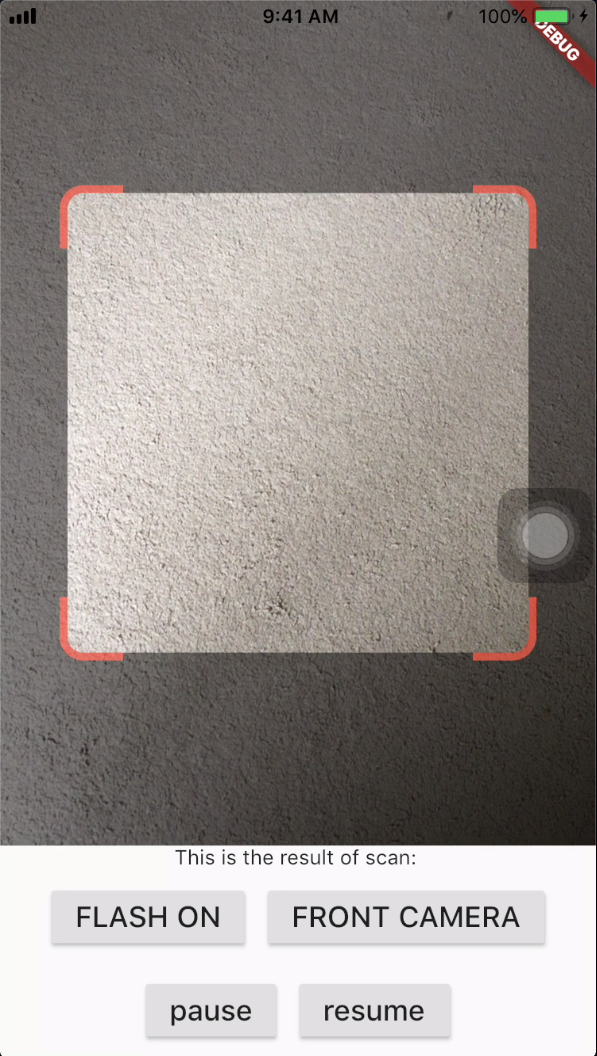
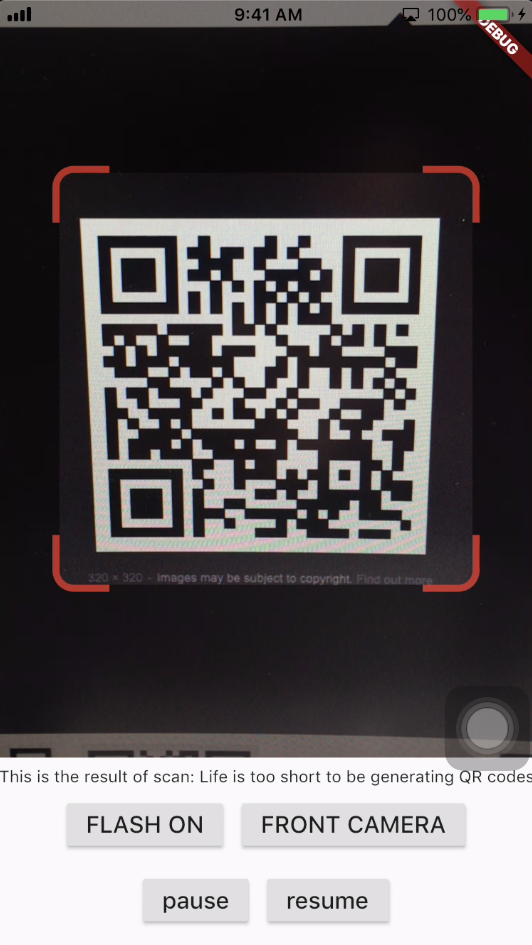
Get Scanned QR Code
When a QR code is recognized, the text identified will be set in ‘result’ of type Barcode, which contains the output text as property ‘code’ of type String and scanned code type as property ‘format’ which is an enum BarcodeFormat, defined in the library.
class _QRViewExampleState extends State<QRViewExample> {
  final GlobalKey qrKey = GlobalKey(debugLabel: 'QR');
  Barcode result;
  QRViewController controller;

  // In order to get hot reload to work we need to pause the camera if the platform
  // is android, or resume the camera if the platform is iOS.
  @override
  void reassemble() {
    super.reassemble();
    if (Platform.isAndroid) {
      controller.pauseCamera();
    } else if (Platform.isIOS) {
      controller.resumeCamera();
    }
  }

  @override
  Widget build(BuildContext context) {
    return Scaffold(
      body: Column(
        children: <Widget>[
          Expanded(
            flex: 5,
            child: QRView(
              key: qrKey,
              onQRViewCreated: _onQRViewCreated,
            ),
          ),
          Expanded(
            flex: 1,
            child: Center(
              child: (result != null)
                  ? Text(
                      'Barcode Type: ${describeEnum(result.format)}   Data: ${result.code}')
                  : Text('Scan a code'),
            ),
          )
        ],
      ),
    );
  }

  void _onQRViewCreated(QRViewController controller) {
    this.controller = controller;
    controller.scannedDataStream.listen((scanData) {
      setState(() {
        result = scanData;
      });
    });
  }

  @override
  void dispose() {
    controller?.dispose();
    super.dispose();
  }
}
iOS Integration
In order to use this plugin, add the following to your Info.plist file:
<key>io.flutter.embedded_views_preview</key>
<true/>
<key>NSCameraUsageDescription</key>
<string>This app needs camera access to scan QR codes</string>
Flip Camera (Back/Front)
The default camera is the back camera.
await controller.flipCamera();
Flash (Off/On)
By default, flash is OFF.
await controller.toggleFlash();
Resume/Pause
Pause camera stream and scanner.
await controller.pauseCamera();
Resume camera stream and scanner.
await controller.resumeCamera();
SDK
Requires at least SDK 21 (Android 5.0). Requires at least iOS 8.
TODOs
- iOS Native embedding is written to match what is supported in the framework as of the date of publication of this package. It needs to be improved as the framework support improves.
- In future, options will be provided for default states.
- Finally, I welcome PR’s to make it better :), thanks
Credits
- Android: https://github.com/zxing/zxing
- iOS: https://github.com/mikebuss/MTBBarcodeScanner
- Special Thanks To: LeonDevLifeLog for his contributions towards improving this package.